

Hanwha Plugin for Autodesk® Revit®

Hanwha Plugin for Autodesk® Revit® is a custom application for Autodesk Revit versions 2020 – 2026 and Subscription version, supporting 3D design and Hanwha camera objects. The Hanwha plugin tool is integrated with Revit®, enabling a simple and easy method for designing camera coverage areas.

Hanwha Revit Plugin V2.1.3.0, posted Nov 25, 2026

Download the Plugin
*By Downloading this Plugin Tool, you agree to the User License Terms
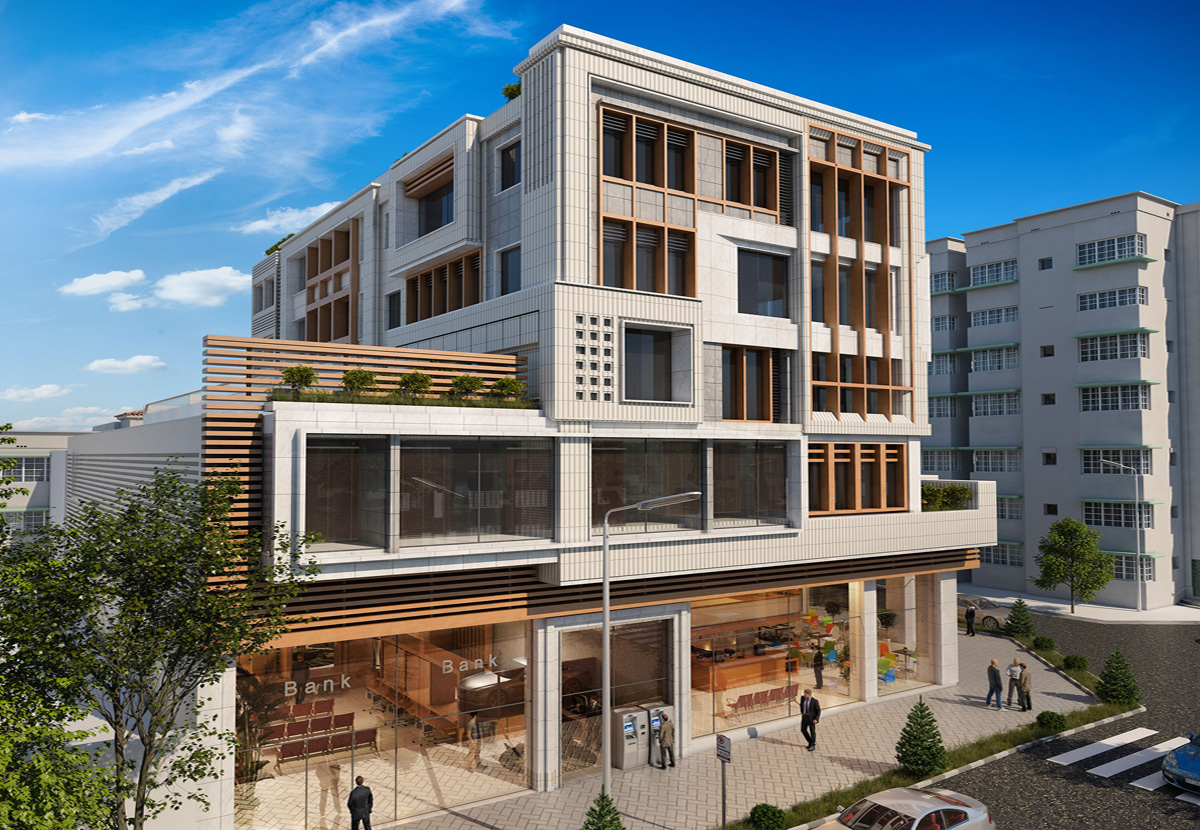
Hanwha Plugin for Autodesk® Revit® supports the following features:

  • Cameras Object Family Selector – choose your camera model(s)
  • Camera View – Create 3D Camera Views – visually display the view from the camera, and generate reports with drawings
  • FoV Obstruct Detect – Visually show how a camera view is Obstructed by Columns, Walls, Objects, even display overlapping camera FoV’s.
  • FoV Adjustments including: Pan, Tilt, Rotate, Hallway Mode and Lens Zoom if selected camera model supports, along with additional PPF DORI measurements.
  • Camera Mounting Accessories – a time saver to select pre-configured camera mounting accessories for fast placement.
  • Global FOV On / Off – global control for displaying camera FoV’s

Hanwha Plugin for Autodesk® Revit® supports the following features:

  • Cameras Object Family Selector – choose your camera model(s)
  • Camera View – Create 3D Camera Views – visually display the view from the camera, and generate reports with drawings
  • FoV Obstruct Detect – Visually show how a camera view is Obstructed by Columns, Walls, Objects, even display overlapping camera FoV’s.
  • FoV Adjustments including: Pan, Tilt, Rotate, Hallway Mode and Lens Zoom if selected camera model supports, along with additional PPF DORI measurements.
  • Camera Mounting Accessories – a time saver to select pre-configured camera mounting accessories for fast placement.
  • Global FOV On / Off – global control for displaying camera FoV’s

Hanwha Plugin for Autodesk® Revit® – Tutorial Videos

Revit Training Video Series

Revit Training Video One

I am text block. Click edit button to change this text. Lorem ipsum dolor sit amet, consectetur adipiscing elit. Ut elit tellus, luctus nec ullamcorper mattis, pulvinar dapibus leo.

Modifying Object Icon

Revit Training Video Two

I am text block. Click edit button to change this text. Lorem ipsum dolor sit amet, consectetur adipiscing elit. Ut elit tellus, luctus nec ullamcorper mattis, pulvinar dapibus leo.

Revit Training Video Three

I am text block. Click edit button to change this text. Lorem ipsum dolor sit amet, consectetur adipiscing elit. Ut elit tellus, luctus nec ullamcorper mattis, pulvinar dapibus leo.

Hanwha Plugin for Autodesk® Revit® – User Manual

Download the User Manual

Hanwha Plugin for Autodesk® Revit® – Schedules

Download the User Manual

Hanwha Plugin for Autodesk® Revit®

Hanwha Plugin for Autodesk® Revit® is a custom application for Autodesk Revit 2020, 2021, 2022, 2023 and Subscription version, supporting 3D design and Wisenet cameras. The plugin tool is integrated with Revit®, enabling a simple and easy method for designing camera coverage areas.

Object Families